The Facts: On January 23, 2026, security researcher Jeremiah Fowler discovered 149 million username and password combinations exposed in an unprotected 98GB database. The data included 48 million Gmail logins, 17 million Facebook accounts, and credentials for banking, crypto, and government portals. Unlike typical server breaches, this data was harvested by infostealer malware directly from users' devices.
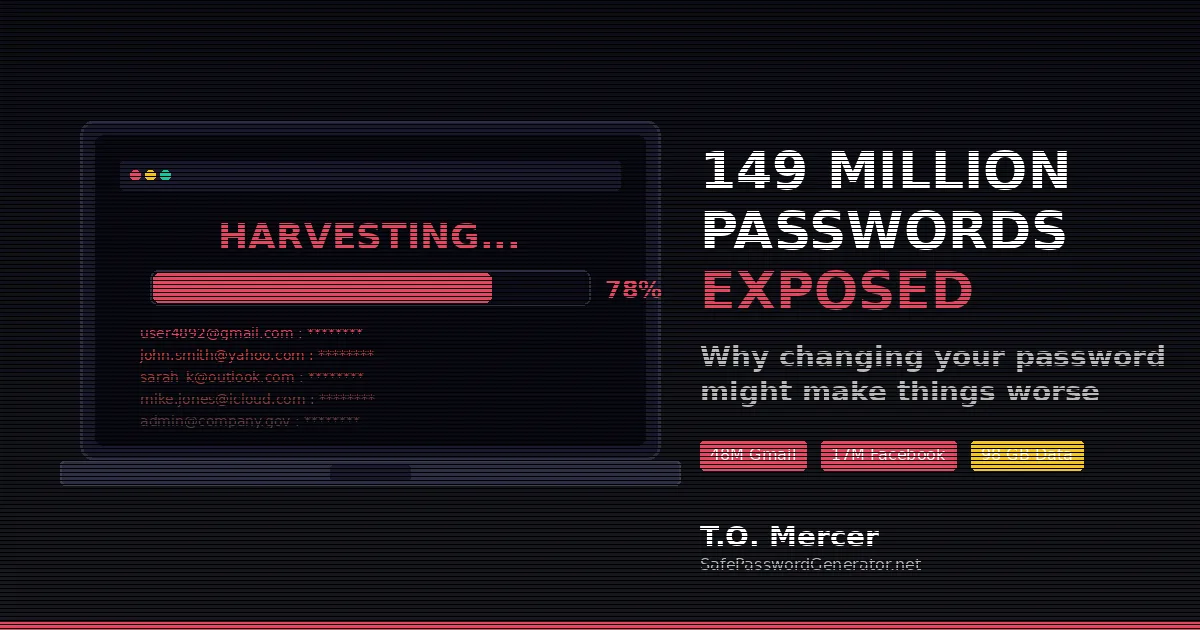
The headlines are terrifying: 149 million credentials exposed. A massive 98GB database containing logins for Gmail, Facebook, banking portals, and crypto wallets.
Your first instinct? Rush to change your passwords.
Stop. That might be exactly what the hackers want.
There's a dirty secret about this leak that the mainstream news is missing. If you don't understand it, you aren't just wasting your time. You're feeding the hackers fresh data.
This Wasn't a Hack. It Was a Harvest.
When we hear "data breach," we think of hackers breaking into a company like LinkedIn or Facebook.
This is different.
Security researcher Jeremiah Fowler discovered that this data came from infostealer malware, not a server breach. Programs like Redline or Raccoon don't break into vaults. They watch you type the combination.
These tools live on your device and scrape:
- Encrypted browser vaults: They pull decryption keys from Chrome, Edge, and Firefox. The keys are stored in the same user profile the malware is already running in.
- Session cookies: The "Keep Me Logged In" files that bypass 2FA entirely.
- Real-time keystrokes: Every letter you type is sent to a remote server.
The Reality Check: This database contained 48 million Gmail logins and 17 million Facebook accounts. It wasn't just old data. It was a live map of people's digital lives, including government logins and Binance wallets.
Analyst's Note: Reviewing Fowler's findings, I noted the database used a "host_reversed path" indexing structure, making credentials searchable by domain. This isn't amateur work. It's the hallmark of organized credential harvesting operations, likely Stealer-as-a-Service infrastructure. The inclusion of .gov domains and financial logins suggests this data was curated for high-value targeting, not random collection.
Old Breaches vs. 2026 Harvesting: What's Different?
| Feature | "Old School" Breach (LinkedIn-style) | 2026 "Harvest" (149M Leak) |
|---|---|---|
| Target | Corporate servers | Your personal device |
| Method | SQL injection / database hack | Infostealer malware (Redline/Vidar) |
| Data Stolen | Hashed passwords | Plaintext passwords + active session cookies |
| 2FA Status | Effective | Bypassed (via session hijacking) |
| Fix | Change password | Sanitize device + move to passkeys |
Why Doesn't Changing My Password Work After a Breach?
If an infostealer is on your device, changing your password is like changing the locks while the burglar is standing in your hallway.
- The Keylogger Loop: The moment you type that "secure" new password, the malware logs it. You haven't fixed the leak. You've just provided the hacker with fresh credentials.
- The Session Hijacker: Hackers don't even need your password anymore. They steal session tokens, small files that tell a website "this user is already logged in." Changing your password often fails to kill these active sessions.
Key Insight: The only safe time to change your password is from a different, known-clean device, or AFTER the malware is confirmed gone from your system.
How Do I Protect Myself After the 149M Password Leak?
To actually protect yourself, you must follow this specific order. Do not skip Step 1.
Step 1: Evict the Intruder
You cannot secure an account from a compromised device.
Run an Offline Scan: Use Windows Defender Offline (built into Windows Security) or a dedicated anti-malware tool like Surfshark Antivirus (catches infostealers that Windows Defender misses). For bootable rescue scans, Bitdefender Rescue Disk is free.
Check for Ghost Extensions: Open your browser's extension list. If you don't remember installing something, delete it immediately.
The Nuclear Option: If you see unexplained 100% CPU usage, your antivirus keeps disabling itself, or programs appear that you didn't install, factory reset your device. It's the only way to be 100% certain.
📋 Free Resource: Post-Breach Recovery Checklist
Download the printable checklist to make sure you don't miss any steps.
Note: This checklist will be available soon. For now, follow the steps outlined in this article.
Step 2: Fire Your Browser as a Password Vault
Browsers store passwords in a way that's "convenient" for you, which makes it convenient for malware. The encryption keys live in the same user profile the infostealer is already running in. It's like hiding your house key under the doormat.
What to do:
- Clear your browser's saved passwords immediately
- Disable the "Save password?" prompt permanently
- Move to a dedicated password manager. My top recommendations:
- Generate new, unique passwords using SafePasswordGenerator.net
Pro Tip: Use a manager that supports auto-fill. Keyloggers work by recording what you type. When a password manager auto-fills a field, nothing is typed. Your credentials are effectively invisible to basic keylogging malware.
🔐 Ready to switch to a password manager?
Stop saving passwords in your browser. These managers auto-fill credentials without typing (which defeats keyloggers):
Try NordPass Free → Try RoboForm Free →
Then generate unique passwords at SafePasswordGenerator.net
Step 3: Use "Unstealable" Authentication
SMS codes are outdated. If you want real security in 2026, use methods that don't rely on codes at all.
Passkeys (The New Gold Standard): Passkeys use public-key cryptography tied to your specific device. There's no password to steal and no code to intercept. Major sites like Google, Apple, and Microsoft now support them. If you haven't set up passkeys yet, this is your sign. Learn more in our passkeys guide.
Hardware Keys: A physical YubiKey 5 NFC (~$50 on Amazon) or Google Titan Security Key (~$30 on Amazon) requires a physical touch to log in. A hacker in another country can have your password and your session token, but they still can't touch the key sitting on your desk.
Authenticator Apps (Good Backup): Google Authenticator, Authy, and Microsoft Authenticator generate codes locally on your phone. Better than SMS, but passkeys and hardware keys are stronger.
The Bottom Line
The 149 million record exposure proves that the front door of the internet has moved.
Hackers aren't targeting Big Tech anymore. They're targeting you. Your browser. Your laptop. The device in your pocket.
The database Fowler found sat exposed on the internet with no password protection and no encryption. It took nearly a month to get it taken down. We don't know who grabbed a copy before then.
Don't just change your password. Change your strategy.
Clean your device. Move to a vault. Lock the door with a key only you can touch.
🛡️ My Recommended Security Stack for 2026
These are the tools I personally use and recommend to protect against infostealer attacks:
| Password Manager | NordPass or RoboForm |
| Hardware Security Key | YubiKey 5 NFC or Google Titan |
| Antivirus (Infostealer Protection) | Surfshark Antivirus |
| VPN | Surfshark VPN or Proton VPN |
| Password Generator | SafePasswordGenerator.net (free) |
Disclosure: Some links above are affiliate links. I earn a commission if you purchase, at no extra cost to you. I only recommend tools I personally use and trust.
Technical Verification: This analysis is based on Jeremiah Fowler's original January 2026 report published via ExpressVPN, cross-referenced with infostealer research from Malwarebytes and industry threat intelligence. Credential counts verified against Fowler's direct findings.
Protect Your Connection While Recovering
If you're changing passwords or checking if your accounts were compromised from a coffee shop, airport, or any public WiFi, your traffic can be intercepted. Use a VPN to encrypt your connection during the recovery process:
- Surfshark VPN: Unlimited devices, affordable, includes malware blocker
- Proton VPN: Swiss privacy laws, open source, has a free tier
This is especially important during the recovery process. Never change passwords on an unsecured network.
Frequently Asked Questions
Should I change my password after the 149M leak?
Not immediately. If your device is infected with an infostealer (like Redline or Raccoon), the malware will log your new password the moment you type it. You must first run an offline antivirus scan or perform a factory reset to ensure the malware is gone before updating your credentials.
How did the 149M passwords leak?
Unlike traditional server breaches (like a LinkedIn or Facebook hack), this data was harvested directly from users' devices using infostealer malware. This malware scrapes saved passwords from browsers like Chrome and Firefox, along with session cookies that bypass two-factor authentication.
What is the safest way to store passwords in 2026?
Move away from browser-based password saving. Use a dedicated encrypted password manager (like Bitwarden or 1Password) and enable passkeys wherever possible. Passkeys use device-bound cryptography that cannot be stolen by remote keyloggers or session hijackers.
What is session hijacking?
Session hijacking is when hackers steal the "session token" that tells a website you're already logged in. With this token, they can access your account without entering a password at all. Changing your password doesn't always kill these active sessions.
How do I know if I have an infostealer on my device?
Warning signs include: browser extensions you don't remember installing, unexplained CPU usage at 100%, antivirus software that keeps disabling itself, and programs appearing that you didn't install. Run an offline scan using Windows Defender Offline or a bootable rescue disk to check.
T.O. Mercer | SafePasswordGenerator.net
Disclosure: Some links in this article are affiliate links. If you purchase through them, I may earn a commission at no extra cost to you. I only recommend tools I have personally vetted.