Password Fatigue: The Average Person Has 255 Passwords (How to Manage Them)
TL;DR Summary
The Bottom Line:
The average person now manages 255 passwords - a 70% increase since 2020 (NordPass 2024). This impossible cognitive burden forces 85% of people to reuse passwords, making credential stuffing attacks succeed at scale. Nearly half of all users had passwords stolen in 2024. Password fatigue isn't laziness - it's a predictable human response to a broken authentication system.
Key Takeaways:
- 255 passwords per person vs. human memory capacity of 7±2 items
- 85% reuse passwords because there's no practical alternative
- 26 billion credential stuffing attempts monthly exploit this reuse
- $4.5M average breach cost plus $480/year per employee in lost productivity
- Gen Z suffers most despite being "digital natives" (72% reuse vs. 42% Boomers)
- Solutions exist that are both more secure AND more convenient than passwords
What to do now: Use a strong password generator for your most important accounts, enable MFA where available, and prepare to migrate to passwordless authentication. Read on for the complete data and actionable solutions.
👋 Welcome to Part 1 of our Password Fatigue Action Plan 2025 series. In this post, we expose the crisis. Part 2 delivers immediate solutions with password managers, and Part 3 explores the passwordless future.
You're drowning in passwords. We all are.
The average person juggles 255 passwords - 168 personal, 97 for work. That's up 70% since 2020. Your brain can hold about 7 things in working memory. We're asking you to remember 36 times that amount.
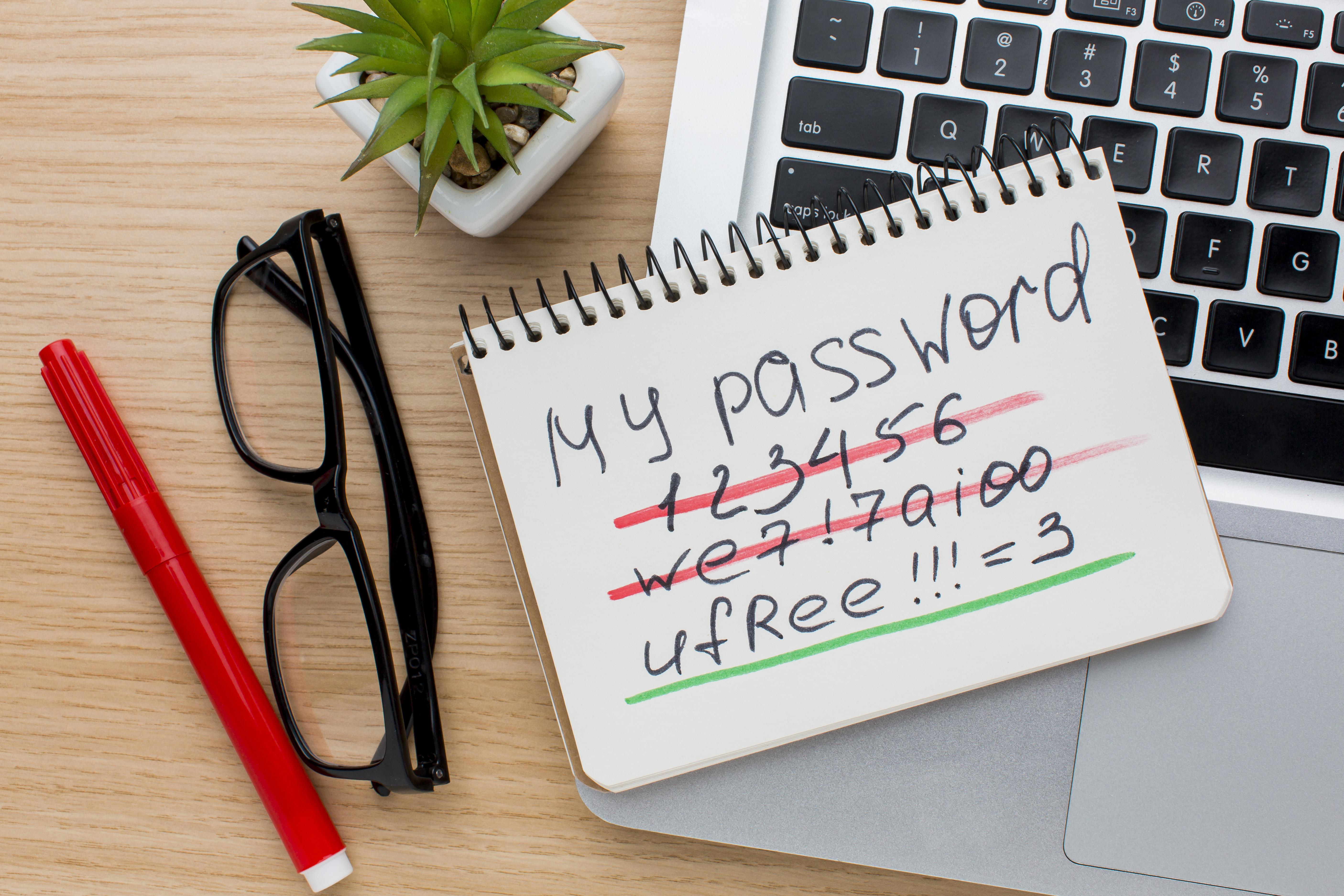
It's not your fault when you reuse "Summer2024!" across five accounts. It's not laziness when you click "forgot password" for the third time this week. You're experiencing password fatigue - and it's breaking digital security for everyone.
⚡ Quick Fix (60 seconds): Generate a strong password → for your most critical account right now. We'll help you fix the rest below.
📚 THE PASSWORD FATIGUE SERIES
Part 1: The Crisis (You Are Here) | Part 2: Immediate Solutions → | Part 3: The Passwordless Future →
What is Password Fatigue?
It's the point where your brain gives up. You can't create another unique password. You can't remember which variation you used where. You're exhausted, frustrated, and ready to write everything on a sticky note.
Password fatigue happens when security requirements exceed human capability - and we passed that point years ago.
Quick Self-Assessment: Do You Have Password Fatigue?
Check all that apply:
The Numbers Don't Lie: 2025 Statistics
The data paints a disturbing picture of a digital authentication system in crisis. These aren't abstract numbers - they represent real security vulnerabilities affecting billions of people every day.
The Scale of the Problem
These numbers reveal a fundamental mismatch between human capability and digital demands. We've created a system that requires the average person to memorize 255 unique, complex strings - a cognitive task that's simply impossible without technological assistance like a secure password generator.
The Behavior Crisis
When systems demand the impossible, people find workarounds. Unfortunately, these adaptations create massive security vulnerabilities:
- 59% of people use birthdays and names in their passwords - information readily available on social media
- 55% abandon accounts rather than going through password reset processes
- 92% know password reuse is risky but do it anyway because they have no practical alternative
- 23% share passwords with colleagues, friends, or family members
This isn't laziness or ignorance - it's a predictable human response to an unworkable system. People aren't failing passwords; passwords are failing people.
The Security Consequences
Password fatigue doesn't just create inconvenience - it generates massive security vulnerabilities that attackers actively exploit:
- 24 billion credentials were compromised and circulating on the dark web as of 2022
- Stolen credentials were the #1 attack vector in both 2023 and 2024
- 0.1-2% success rate on credential stuffing attempts - which sounds low until you multiply it by billions of attempts
- 3,000+ data breaches in 2024 alone, exposing hundreds of millions of additional accounts
How Credential Stuffing Works
Hackers obtain username/password combinations from a data breach at Company A. They use automated tools to try those same credentials at Companies B, C, D, and thousands of others. Because most people reuse passwords, attackers gain access to multiple accounts from a single breach. Recent victims include Snowflake, Roku, and Amtrak in 2024 alone.
Defense: Use unique passwords for every account. Our free password generator makes this easy by creating strong, random passwords instantly. For comprehensive password management, consider our password manager comparison guide.
The Financial Impact
Password fatigue carries staggering costs for both individuals and organizations:
- $4.5 million: Average cost of a data breach in 2024 (IBM Security Report)
- $480 per year per employee: Lost productivity from login-related delays and password resets (Ponemon Institute Study)
- $6 million per year: Average business losses from credential stuffing (application downtime, lost customers, IT costs)
- 20-50% of help desk calls: Are password-related, consuming valuable IT resources (Gartner Research)
Real-World Impact: Sarah's Story
Sarah, a marketing manager at a mid-sized company, spends an average of 15 minutes daily dealing with password issues - locked accounts, forgotten credentials, required resets, and helping colleagues with their login problems.
That's 65 hours per year - over 1.5 full work weeks - just dealing with password friction. At an average hourly rate of $35, that's $2,275 in lost productivity. Multiply that across an organization, and the costs become staggering.
Why We're Stuck in This Mess
Password fatigue didn't happen by accident. Here's how we got here:
1. Account Explosion
You had 150 accounts in 2020. Now you have 255. By 2030? Over 400.
Every streaming service, shopping site, work app, healthcare portal, utility company, and smart home device wants its own login. Your Fitbit needs a password. Your lightbulbs need a password. Your refrigerator needs a password.
Each new account adds another impossible thing to remember.
2. Every Site Makes Up Its Own Rules
Your bank requires: 8-16 characters, one uppercase, one number, one symbol.
Your email requires: 12+ characters, no special characters allowed.
Your work requires: 14+ characters, must change every 90 days, can't reuse last 10 passwords.
You can't develop one password strategy that works everywhere. The password that works for your bank gets rejected by your email. The complex one you created for work violates your insurance site's rules.
3. Your Brain Isn't a Computer
Human memory capacity: 7 items (give or take 2)
Passwords you need: 255 unique random strings
The math: You're being asked to remember 36x more than your brain can handle
No amount of trying harder fixes this. Your brain evolved to remember faces, places, and stories - not hundreds of random alphanumeric strings designed to be unmemorable.
4. "Security Theater" Password Rules
Remember being told to:
- Change passwords every 90 days?
- Use at least one special character?
- Make it complex with numbers and symbols?
Here's the dirty secret: Those rules make security worse.
Bill Burr wrote the influential 2003 password guidelines that created these rules. Years later, he admitted most of it was wrong. Forced complexity creates predictable patterns ("Password1!" → "Password2!"). Mandatory changes encourage tiny tweaks instead of new passwords.
NIST updated their guidelines in 2017 and 2024 to reverse this bad advice. But most sites still enforce the old broken rules.
What actually makes passwords strong? Length + uniqueness + randomness. Use our password generator to create passwords that check all three boxes.
The Real-World Impact: Beyond Inconvenience
Password fatigue isn't just annoying - it creates cascading consequences that affect security, finances, operations, and even mental health.
Security Vulnerabilities
Password fatigue directly enables the most common attack vectors:
- Credential stuffing success: Attackers exploit password reuse, knowing that credentials from one breach will unlock accounts elsewhere
- Weak password selection: Fatigued users choose memorable but easily guessed passwords
- Social engineering effectiveness: Password-weary users are more likely to fall for phishing emails promising to "verify" or "update" credentials
- Insider threats: Shared passwords and written credentials create multiple points of vulnerability
Operational Consequences
The organizational impact extends far beyond IT departments:
- Lost sales: 55% of users abandon purchases rather than creating another account or recovering a password
- Reduced productivity: Employees waste time on password resets, locked accounts, and authentication friction
- Delayed urgent work: Critical tasks stalled by password problems at the worst possible moments
- Customer satisfaction: Authentication friction creates negative brand experiences
Psychological & Health Impact
The mental toll of password management is real and measurable:
- Anxiety: Constant worry about forgotten passwords, breaches, and account access
- Frustration: More annoying than losing car keys, according to user surveys
- Learned helplessness: Users give up trying to follow security best practices because they seem impossible
- Decision fatigue: Password creation drains mental resources needed for other decisions
- Trust erosion: Repeated password problems damage trust in digital services
The Generational Divide: Why Digital Natives Struggle Most
Counterintuitively, younger generations suffer more from password fatigue despite growing up digital:
Why do digital natives struggle more?
- More accounts: Gen Z users average 320+ digital accounts vs. 180 for Boomers
- Mobile-first habits: Expecting seamless experiences makes password friction more jarring
- App ecosystem: Every service has its own app, multiplying authentication touchpoints
- Security education gap: Growing up digital doesn't mean understanding digital security
- Higher churn rate: Younger users create and abandon accounts more frequently
Digital fluency ≠ security consciousness. In fact, comfort with technology may create overconfidence while the sheer volume of accounts creates more vulnerability.
Frequently Asked Questions
How many passwords does the average person manage in 2025?
255 passwords - 168 personal, 97 for work. That's up 70% since 2020.
What percentage of people reuse passwords?
85%. While 92% know it's risky, they do it anyway because managing unique passwords for every account exceeds human capability without help.
What is credential stuffing and why should I care?
Hackers steal passwords from one breach, then automatically try them on thousands of other sites. Because most people reuse passwords, this works. With 26 billion credential stuffing attempts every month, even a 1% success rate means millions of hacked accounts.
Are password managers actually safe?
Yes. Reputable ones use zero-knowledge encryption - even the company can't read your passwords. Users with password managers experience 15% less identity theft compared to those managing passwords manually. The key is choosing established providers like Bitwarden, 1Password, or Dashlane.
What should I do right now?
Three steps, 10 minutes total:
- Check if your passwords were breached (2 min)
- Generate strong passwords for your 3 most critical accounts - email, banking, work (5 min)
- Enable two-factor authentication on those accounts (3 min)
Don't try to fix everything at once. Start with your top accounts and build from there.
What makes a password strong in 2025?
Length beats complexity. A 14-character password of just numbers takes 14 minutes to crack. Add lowercase letters? 24 years. Add uppercase, numbers, and symbols? 1.76 billion years.
The formula: 15+ characters + never reused + unpredictable. Our password generator creates passwords that meet all three.
You Can't Keep Going Like This
Right now, you're managing 255 passwords. Hackers are testing stolen credentials against your accounts 26 billion times per month. Nearly half of all users got hacked last year.
The system is broken. But you don't have to stay broken with it.
Solutions exist that are both more secure AND more convenient than what you're doing now. You don't have to choose between security and usability anymore.
🚨 Take Action in the Next 10 Minutes
Every minute you wait, your accounts are vulnerable. Here's what to do right now:
Step 1: Check the Damage (2 minutes)
→ Find out if you've been hacked
Enter your email to see if your passwords are circulating on the dark web.
Step 2: Protect Your Critical Accounts (5 minutes)
→ Generate 3 strong passwords for:
- Your email (hackers use this to reset everything else)
- Your bank (money matters)
- Your work account (protects your company too)
Step 3: Learn the Complete Fix (3 minutes)
→ Read Part 2: Your 30-Day Password Recovery Plan
We'll show you how to fix all 255 passwords without losing your mind. Password managers, two-factor authentication, and the step-by-step migration plan.
Don't wait for a breach to force your hand. The 10 minutes you spend now could save you months of identity theft cleanup later.
📚 Continue the Series
✓ Part 1: The Crisis (You just finished this)
→ Part 2: Immediate Solutions - Password managers that actually work
→ Part 3: The Passwordless Future - Passkeys, biometrics, and life after passwords
📚 CONTINUE THE SERIES
- ✓ Part 1: The Crisis (Complete)
- → Part 2: Immediate Solutions & Long-Term Strategy
- → Part 3: The Passwordless Future (Passkeys & Beyond)
Next in This Series
Ready for the solution?
Learn how one encrypted vault and one master password can eliminate password anxiety forever.
Continue Learning About Password Security
Google vs 1Password: Which Password Manager Wins in 2025?
Compare features, pricing, and security to choose the best password manager for your needs.
Read more →
How to Spot Phishing Emails: Red Flags & Real Examples
Learn to identify phishing attempts and protect your passwords from social engineering attacks.
Read more →
How to Create a Strong Password: Rules, Examples, and Tools (2025)
Master password creation with proven techniques, real examples, and our free generator tool.
Read more →